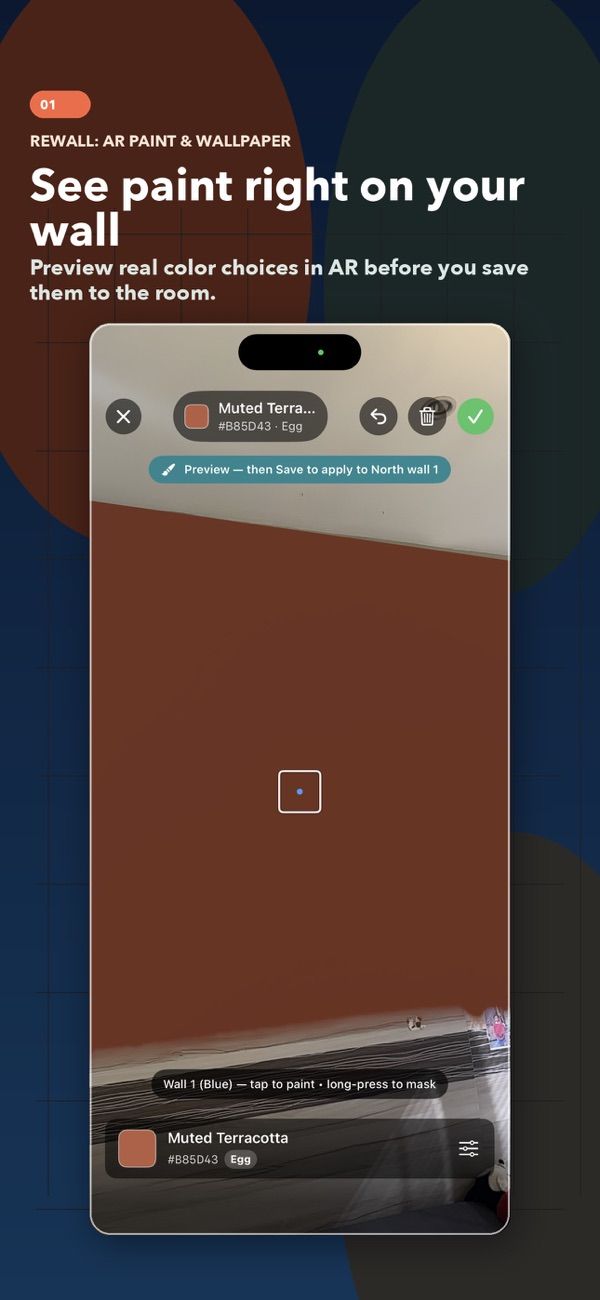

Preview paint and wallpaper on your walls in AR, then turn the plan into a shopping list.
I build iPhone and iPad apps for everyday tasks, focused moments, and playful breaks.

A home project, a quiet study session, and a puzzle break — three apps that show the range.
Preview paint and wallpaper on your walls in AR, then turn the plan into a shopping list.
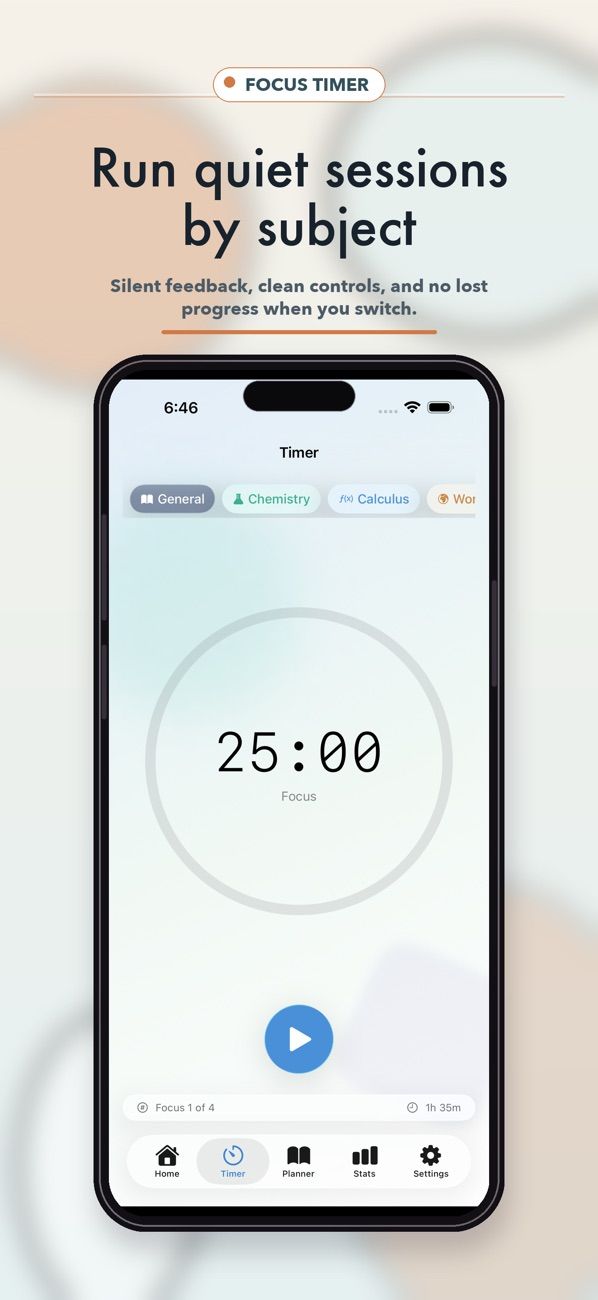
A silent study timer and planner for libraries, classrooms, and other quiet spaces.
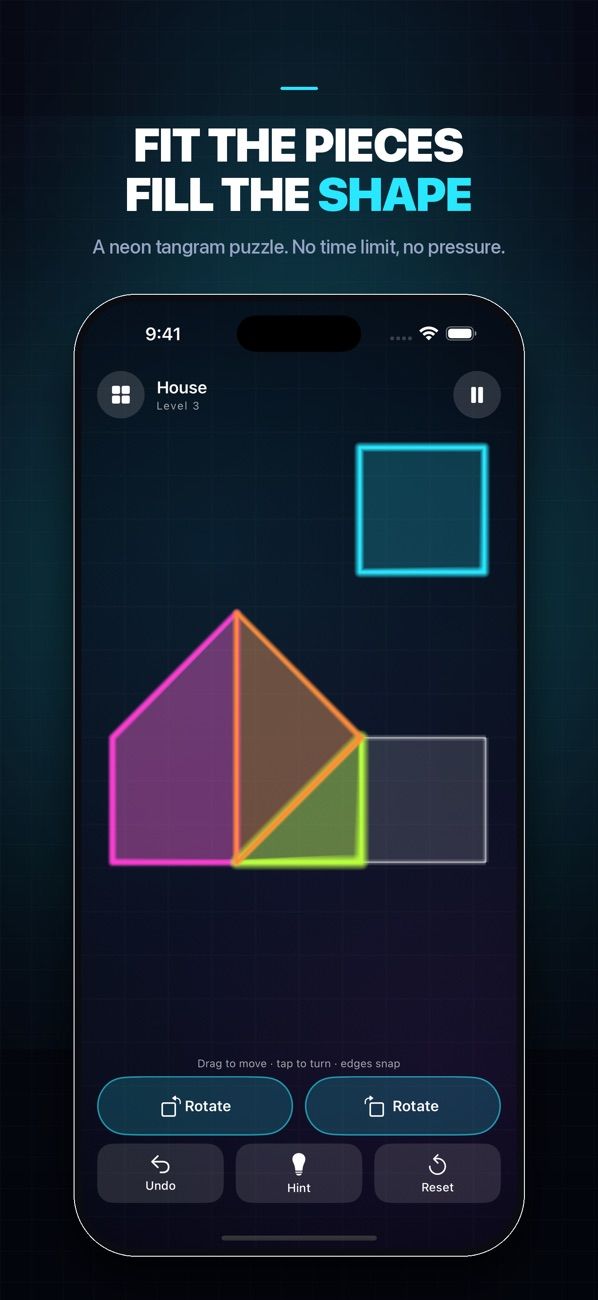
A calm tangram puzzle: fit glowing pieces into silhouettes, with no time limit.
Browse all 19 apps by category or device. Each one has its own page with help and policy links.
Showing all 19 apps

Blend your own photos into trending AI styles, then save, remix, and share the results.

Log spending quickly, scan receipts, and keep track of what you own and its warranty.
Check the visible wear on a US $100 bill using your camera or a saved photo.

A calculator you can play: every tap on the keypad triggers a musical note.

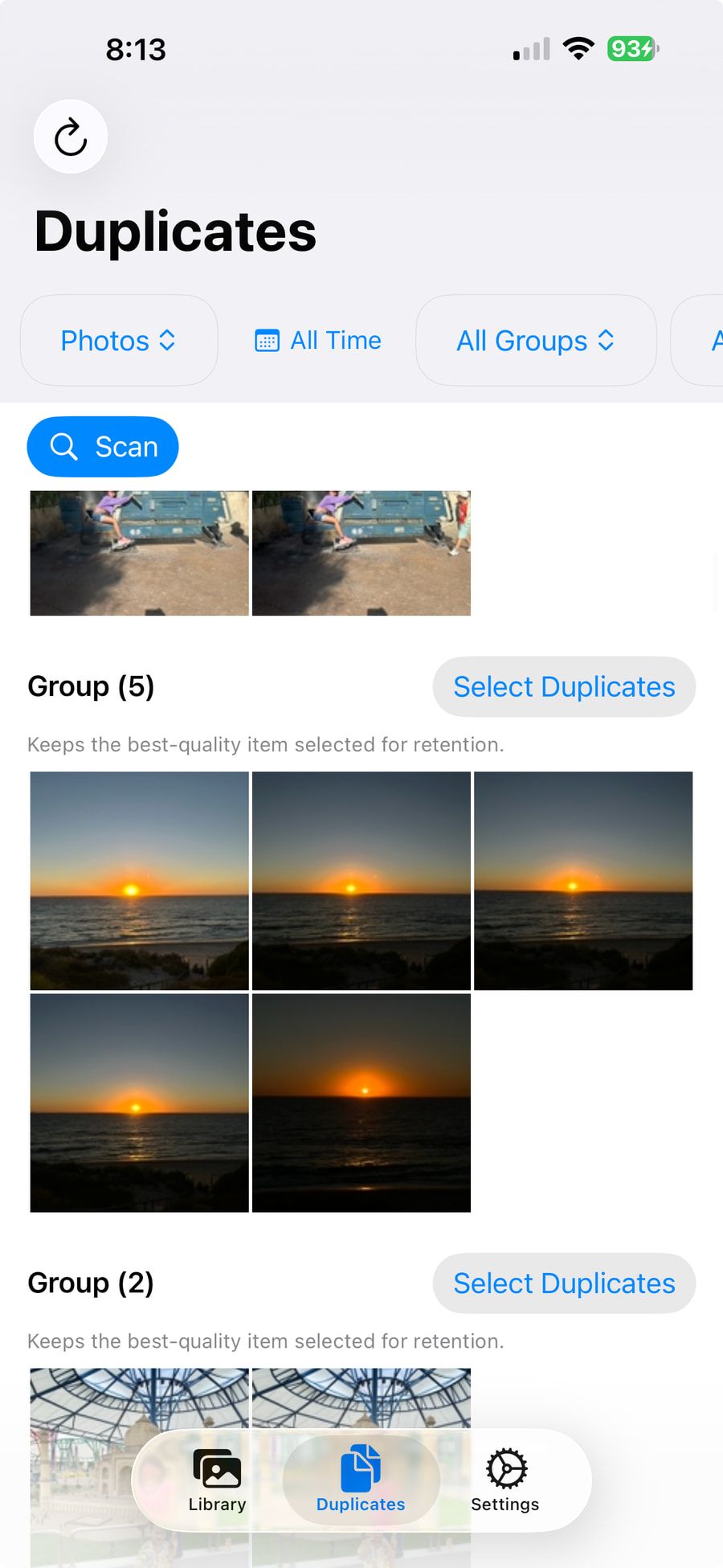
Find duplicate photos, compare each group, and delete only the extras you choose.

Find duplicate and similar shots, keep the best one, and free up storage.
An iPhone utility. Its support page covers troubleshooting, settings, and purchase restores.
Helps children practice reading music notes with staff flash cards and an on-screen piano.

Short, friendly maths practice for times tables, fractions, telling time, and calculation.

Helps children learn to read music notes through quick, game-like piano rounds.

Pomodoro focus sessions with ambient sound, habit tracking, and streaks.

Turn photos and PDFs into drawing pages for tracing, letter practice, and doodling.

A silent study timer and planner for libraries, classrooms, and other quiet spaces.

A neon arcade space shooter with campaign sectors, boss fights, and ship upgrades.

A calm tangram puzzle: fit glowing pieces into silhouettes, with no time limit.

Big, bright instrument cards and a piano screen for toddlers to tap and hear.

Save the ingredients you watch for each pet, then scan package labels for possible matches.

Preview paint and wallpaper on your walls in AR, then turn the plan into a shopping list.

Log your cycle, symptoms, mood, and notes, and see patterns build over time.
No apps match those filters.
Try an app name or a task, such as “photos” or “study”, or choose a different category.
I’m Le Nguyen, an independent iOS developer. I make practical, lightweight apps for iPhone and iPad, and 16 of them are on the App Store under my name.
I like apps that do one thing well: clearing duplicate photos, timing a silent study session, fitting a puzzle together.
I try to keep permissions easy to understand. Practices differ from app to app, so every app has its own privacy policy.
Every app has a support page with common fixes and a direct way to reach me.
Choose your app to open its support page, privacy policy, or terms. Each support page covers common fixes and how to reach me.
Email lnguyen@plnguyen.com. Include your device model, iOS or iPadOS version, the app version, and the steps that led to the problem.
Start an email with these details19 apps


No app matches that name.
Check the spelling, or email me with the app’s name and what went wrong.
App questions and everything else go to the same inbox, so a clear subject line helps.
Start with the app’s support page. If it doesn’t cover your problem, email me with the app’s name and what happened.
Email about an appFor work enquiries, partnerships, or anything that isn’t app support, send a note.
Write to LeBoth go to lnguyen@plnguyen.com

